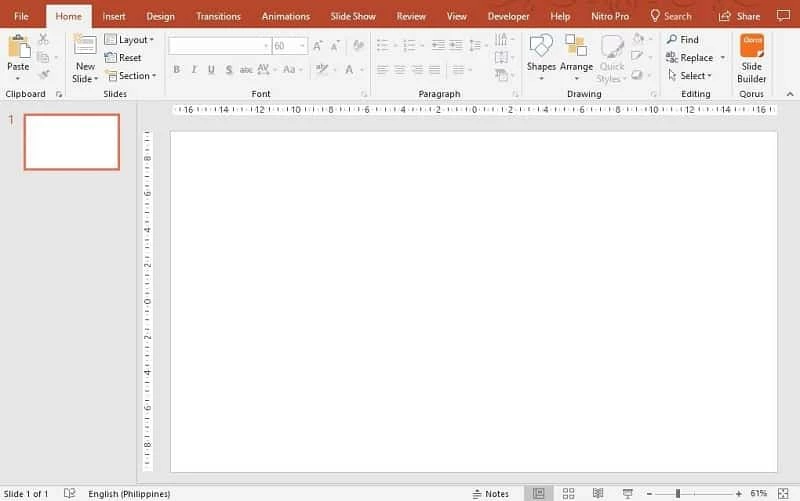
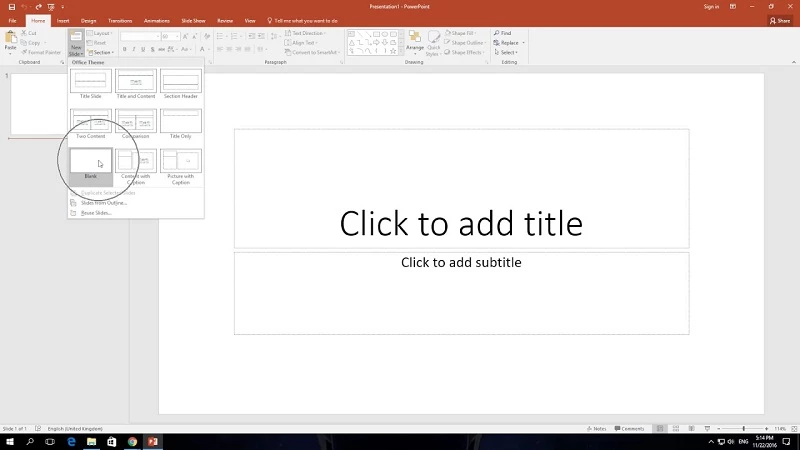
Microsoft PowerPoint 16.0.20430.20092 is Microsoft's presentation application for Windows, used to build slide decks for lessons, meetings and talks. You can download it from Microsoft as part of its office apps, and the same program is also available on macOS, Android, iOS and in the browser.
Quick facts
| Item | Details |
|---|
| Version | 16.0.20430.20092 |
| Developer | Microsoft |
| Type | presentation software |
| Platforms | Windows, macOS, Android, iOS, web |
| Licence | proprietary |
| Size | about 7.05 MB according to catalogue data |
What PowerPoint is for
PowerPoint turns ideas into a sequence of slides with text, images, charts and video that you present on a screen or share as a file. It is the standard format in many offices and schools, which is its main practical advantage: a deck made in PowerPoint opens on almost any colleague's computer. The Windows desktop app is the most complete version for editing, while the mobile apps are handy for last-minute changes and the browser version at powerpoint.cloud.microsoft works on any computer where you can sign in. Whatever you use, the principles of a good presentation are the same: one idea per slide, short text, readable fonts and visuals that support what you say rather than repeat it.
Step-by-step installation
- Sign in to your Microsoft account on the official PowerPoint site.
- Check that your subscription or licence includes the desktop apps.
- Choose to install the apps and run the downloaded setup file.
- Wait until the installer finishes and keep the computer connected to the internet meanwhile.
- Open PowerPoint and sign in to activate it.
Price
The desktop app comes with Microsoft's paid office plans or a standalone licence. If you only need to view or make light edits, try the browser version with a Microsoft account first and decide later whether you need the full desktop app.
Tips for better decks
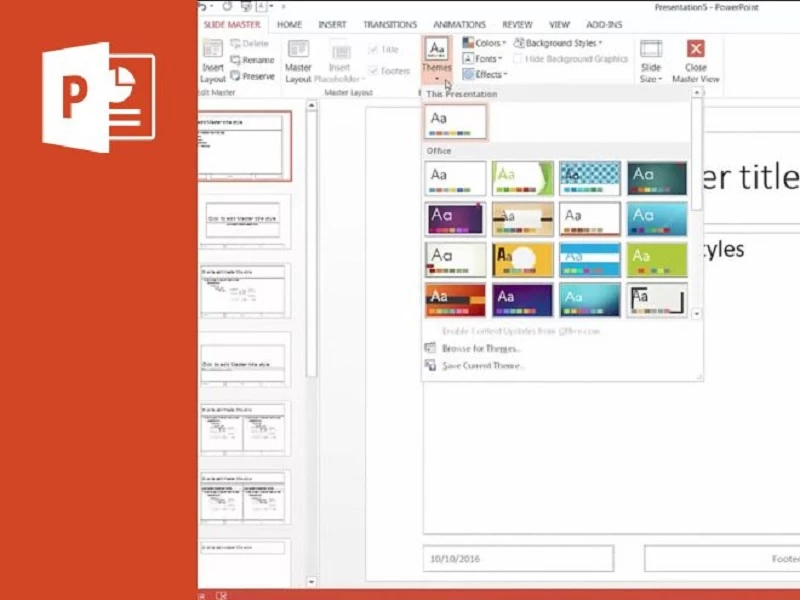
- Start from a clean theme and set fonts and colours once for the whole deck.
- Keep text to a few short lines per slide and say the details out loud.
- Use high-quality images and cite their sources.
- Rehearse the talk out loud at least once, timing yourself.
- Save a PDF copy for people who do not have PowerPoint.
Security
Get PowerPoint only from Microsoft. Activated copies from unofficial sites and key generators often carry malware and stop receiving updates. Be careful with presentations from unknown senders that ask you to enable content.
Pros and cons
- Pro: standard format in offices and schools.
- Pro: apps for every major platform.
- Pro: full-featured desktop editor.
- Con: desktop version is paid.
- Con: easy to overload slides with effects.
Alternatives
Our listings include LibreOffice and WPS Office, both office suites with presentation programs, and Microsoft Word for documents that accompany a talk.